











Before opening direct bookings, an independent property needs a clear answer to a basic guest question: what exactly am I booking? That answer is not limited to a room name. It depends on how the property defines its individual units, groups them into understandable room types, records the details guests need, and connects those definitions to availability and rates.
When these foundations are unclear, everyday booking management becomes harder. A guest may be unsure whether two options are different rooms or simply different prices. An owner may struggle to see what can still be sold. Rates can be applied inconsistently, and the booking journey can feel less trustworthy than it should.
Organising room types does not require complicated language or an extensive catalogue. It requires a structure that reflects the property honestly and can be managed consistently. The following steps explain how to organise room types for direct bookings so guests can choose confidently and owners can control stays, availability and rates with more clarity.
Start by separating units from room-type descriptions
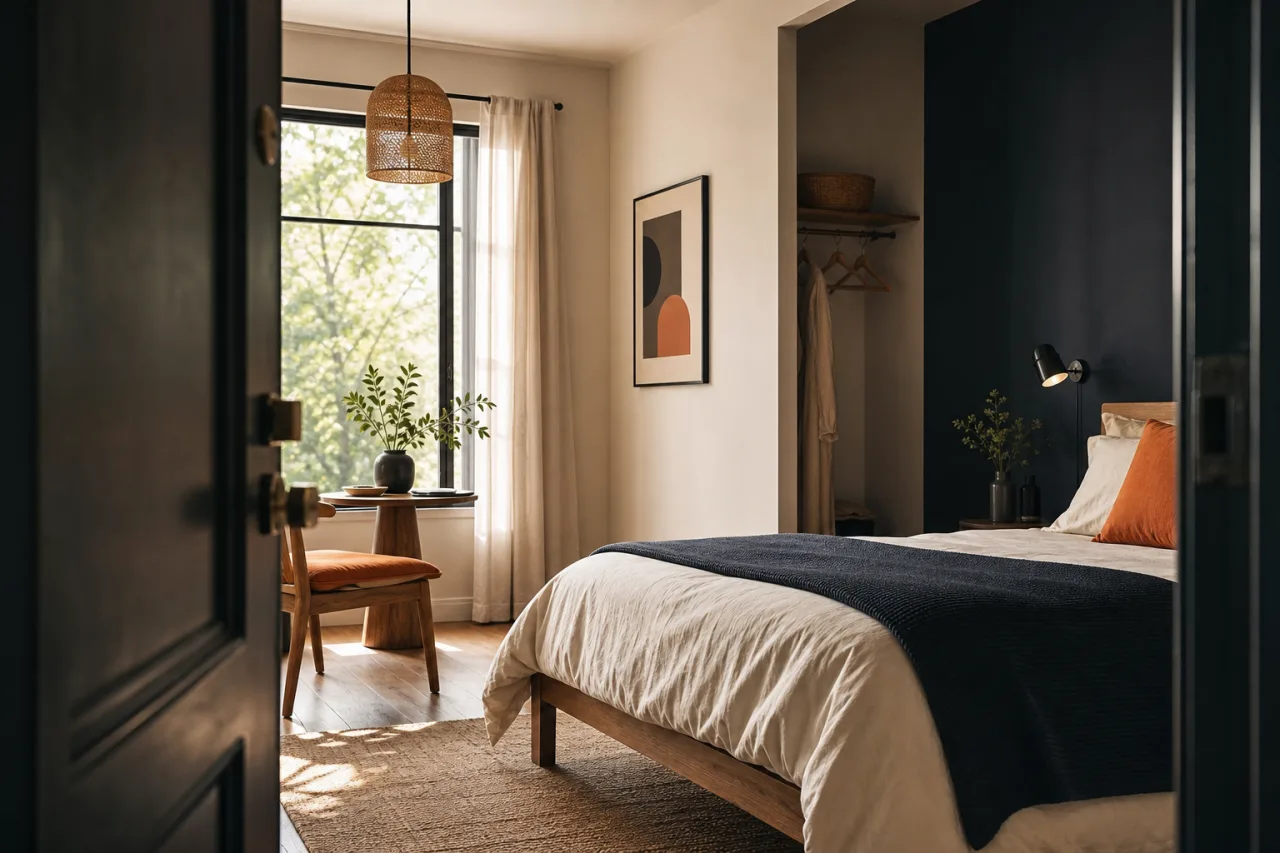
A unit is the specific accommodation a guest will occupy. Depending on the property, it may be an individual hotel room, a guesthouse bedroom, an apartment, a cabin or another bookable space. Each unit is a real part of the property, with its own identity and its own availability.
A room type is the guest-facing description used to present one unit or a group of similar units. For example, several individual rooms might share one room type if they have the same meaningful characteristics for a guest’s booking decision. A room type should help a guest understand what they are choosing, while units help the owner manage what is actually available.
This separation is especially useful for small hotel room types and mixed properties. It allows the guest-facing offer to stay simple without losing control of individual spaces behind the scenes. Instead of treating every room name as both a marketing label and an availability record, give each layer a clear job.
- Units represent the actual spaces that can be occupied.
- Room types explain the kind of stay guests can select.
- Availability is managed according to the units that remain available.
- Rates are reviewed for the room types guests see when booking.
For a property with genuinely different spaces, separate room types are often clearer. If one room has a distinct layout, capacity or stay experience, hiding that difference behind a broad label may create uncertainty. Conversely, avoid creating multiple room types where guests cannot identify a useful difference. More options do not automatically create more clarity.
A good room-type structure helps guests compare meaningful choices and helps owners see exactly what they can sell.
Record the details that make a choice understandable
Once units and room types have been separated, review what a guest needs to know before booking. The aim is not to list every possible detail. It is to describe each option consistently enough that guests can compare it with confidence.
Begin with a concise, distinct name. Names should indicate the type of stay rather than rely on internal labels. If the difference between two options matters, ensure the name and description make that difference easy to understand. A guest should not need to guess whether a choice refers to size, occupancy, layout, location within the property or another characteristic.
Then record the practical information that supports the booking choice. This may include the capacity of the unit or room type, the bed arrangement where relevant, and any characteristics that distinguish the accommodation. Keep the information aligned with the property’s actual setup. Consistency matters: if similar options are described at different levels of detail, guests may assume something is missing or unclear.
Use a simple comparison check
Look at every room type side by side and ask three questions:
- Can a first-time visitor understand the difference between these choices?
- Does each name match the details shown for that option?
- Would a guest know which option suits their party and stay?
If the answer is no, revise the description or reconsider whether the types should be combined or separated. This is a useful way to avoid duplicated options, vague labels and descriptions that tell guests little about the accommodation they are selecting.
Clear setup is also easier to maintain after bookings begin. When the details are recorded once in an organised structure, the property has a more reliable reference point for availability, rates and guest stays.
Set direct booking availability by unit
Direct booking availability depends on knowing which actual spaces are available for the requested stay. This is why the unit layer is essential. Even when guests see a broader room type, the property still needs a clear view of the individual units that can fulfil that booking.
Review each unit before taking bookings. Make sure it belongs to the intended room type, can be identified clearly, and is included in the property’s availability process. This step helps prevent an attractive room type from being presented without a clear connection to the real accommodation that can be assigned to a guest.
For properties with several similar units, this structure provides a practical balance. Guests can choose a straightforward room type, while the owner can manage the underlying spaces. For properties where every unit is different, direct presentation of those differences may be the clearest approach.
A dedicated tool can make this work easier to follow. Accommodation bookings brings together stays, rooms, direct bookings and accommodation availability, helping independent properties organise booking information in one place. Its purpose is not to replace a clear property setup; it gives that setup a practical place to manage it.
Review availability as a guest would see it
After defining units and types, search for a few representative stays from the guest perspective. Try a date when several options should be available, then a date when availability is more limited. Check that the choices presented are understandable and that the available options reflect the units the property can accommodate.
This review is valuable because direct booking availability is both an operational and guest-facing matter. Owners need confidence in what can be sold, while guests need confidence that a displayed option represents a real, bookable stay.
Review rates for every room type
Rates should be reviewed only after the room-type structure is clear. Otherwise, a property can end up pricing labels that do not represent a consistent guest choice. Start by listing each room type and considering whether its rate matches the accommodation it describes.
The focus is not on adopting a universal pricing formula. It is on creating a rate structure that is understandable and manageable for the individual property. If two room types are presented as different options, their rates should make sense alongside the differences guests can see. If they are effectively the same offer, separate rates and labels may create needless complexity.
Check how rates will be maintained over time as well. A structure that works only when remembered by one person is difficult to manage during busy periods. Keep the connection between room type, unit availability and rate review clear enough that the property can revisit it whenever needed.
The Accommodation bookings app is designed to control units, availability, rates, guests, payments and stay tasks from booking to departure, with a direct booking engine included. For an independent property, having these booking-related areas in a clear system can make it easier to keep the room setup connected to day-to-day stay management.
Test the whole direct booking journey
The final step is to test the journey from a guest’s point of view. This turns room-type organisation from an internal exercise into a practical check of the booking experience. Begin with the first choice a guest sees and follow the process through the available options.
Pay attention to the points where uncertainty can arise: room names that sound alike, descriptions that omit the distinguishing detail, options that do not suit a party’s needs, or availability that is difficult to interpret. Keep notes on anything that requires explanation. If it needs explanation during a test, it may need clearer setup before a guest books.
It is also worth checking the handover from booking to arrival. The selected room type should lead to a stay record that the property can understand and manage. This supports a smoother path from reservation through guest arrival and check-out, rather than treating the direct booking page as separate from the rest of the stay.
Conclusion: build clarity before inviting guests to book

Well-organised room types begin with a simple distinction: units are the real spaces available to occupy, while room types are the clear choices guests use to book. By recording useful details, setting availability around units, reviewing rates for each type and testing the booking journey, independent properties can make direct bookings easier to understand and easier to manage.
Organise units, availability and rates clearly before inviting guests to book direct. Explore Accommodation bookings for independent properties to manage direct bookings and every stay from booking to check-out.