










Remove capacity for exact stay intervals without altering real bookings or permanent unit status.
Before you start
- Identify the affected nights and units.
- Choose whether the cause is a block, outage or maintenance.
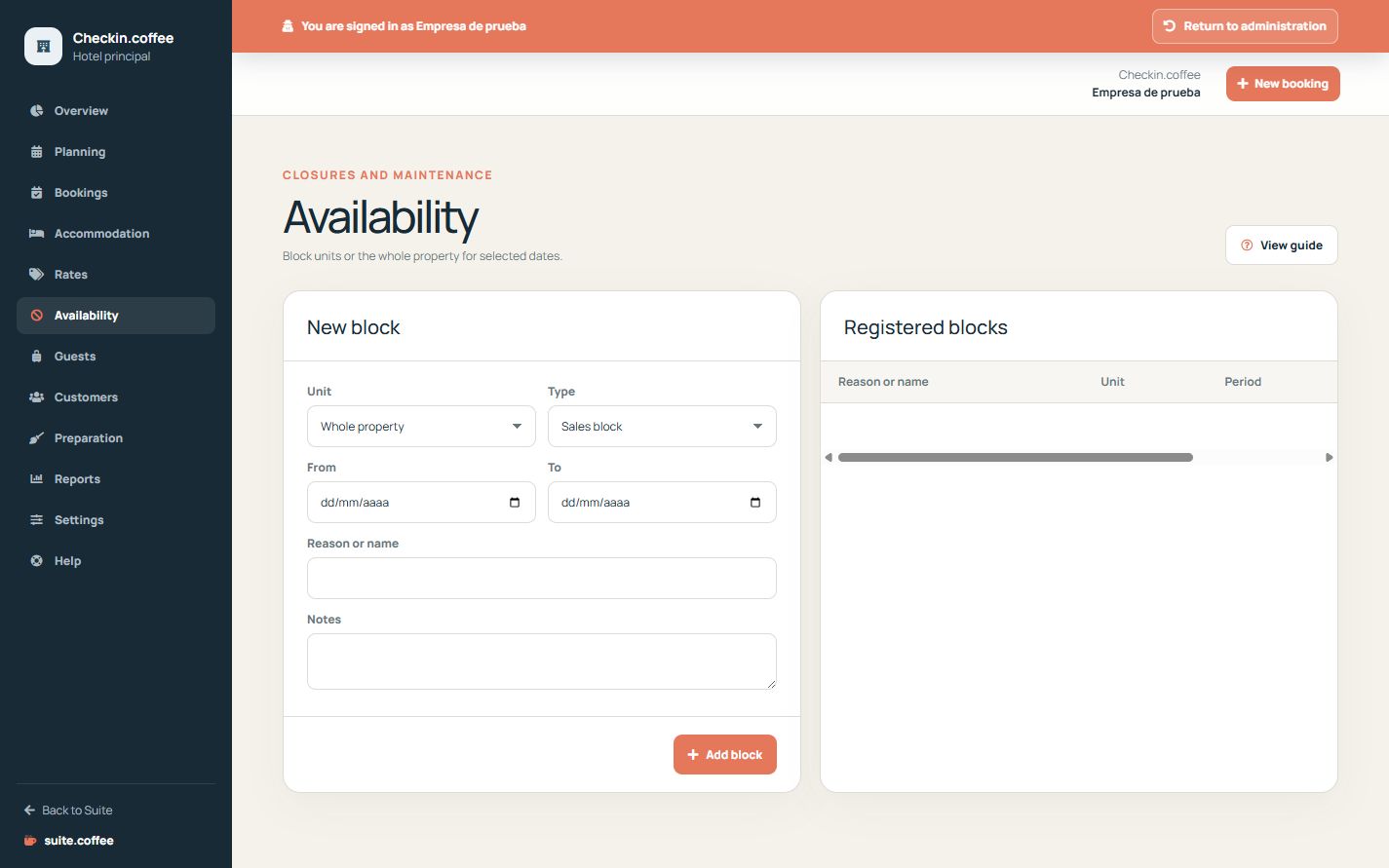
Create the correct block
Select blocked, out of service or maintenance, a date interval and optionally a specific unit. A property-wide block affects every compatible unit.
Think in nights
Availability uses stay intervals: arrival occupies nights up to, but not including, departure. Existing bookings and blocks are checked for overlap across the whole interval.
Remove only obsolete blocks
Deleting a block restores calculation from the remaining inventory; it does not guarantee availability when another booking, block, status or plan suspension still applies.
Step by step
- Open Availability.
- Choose a specific unit or leave all units selected.
- Select the block type and exact start and end dates.
- Add an operational name and useful notes.
- Save and recheck public availability for the affected stay.
Final check
- The interval covers the intended nights.
- The scope is one unit or the property as intended.
- Removing the block would not hide another availability cause.
Tip: Availability works in nights: departure ends the occupied interval and is not itself an occupied night.