










Compare occupancy and stay activity in a consistent period without treating operational amounts as bank revenue.
Before you start
- Choose the question and date range.
- Keep booking and reception statuses current.
Use the selected period
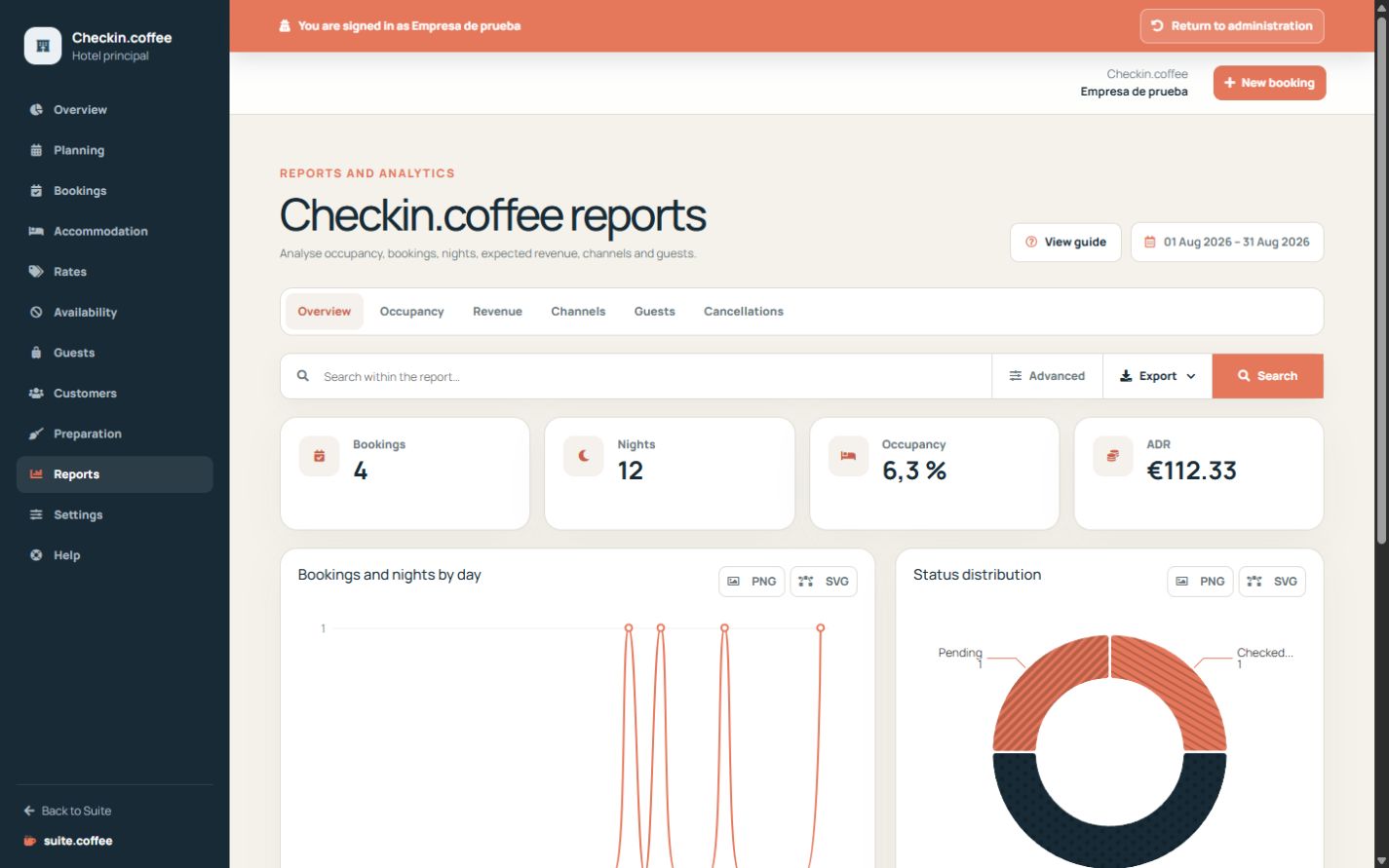
Reports derive occupancy, nights, booking status, source and amount indicators from the requested dates and current property timezone.
Export the intended scope
Apply filters before downloading. An export is a point-in-time operational copy and does not replace booking, guest, charge or event records.
Interpret money carefully
Charges, deposits and internal payment status are booking snapshots. They do not prove a bank transaction, issued invoice or recognised accounting revenue.
Step by step
- Open Reports and choose the period.
- Select the report that answers the operational question.
- Compare headline indicators with daily and categorical detail.
- Apply supported filters consistently.
- Export the visible scope when a static copy is needed.
Final check
- Comparisons use the same timezone and period.
- Cancelled and no-show stays are interpreted correctly.
- Amounts are not described as collected or invoiced revenue.
Tip: Update check-in and check-out states promptly; stale confirmations distort occupancy and arrival analysis.