










Keep the booking customer distinct from every person who will actually stay.
Before you start
- Create or locate the corresponding booking.
- Collect only the identity and arrival data needed for operations.
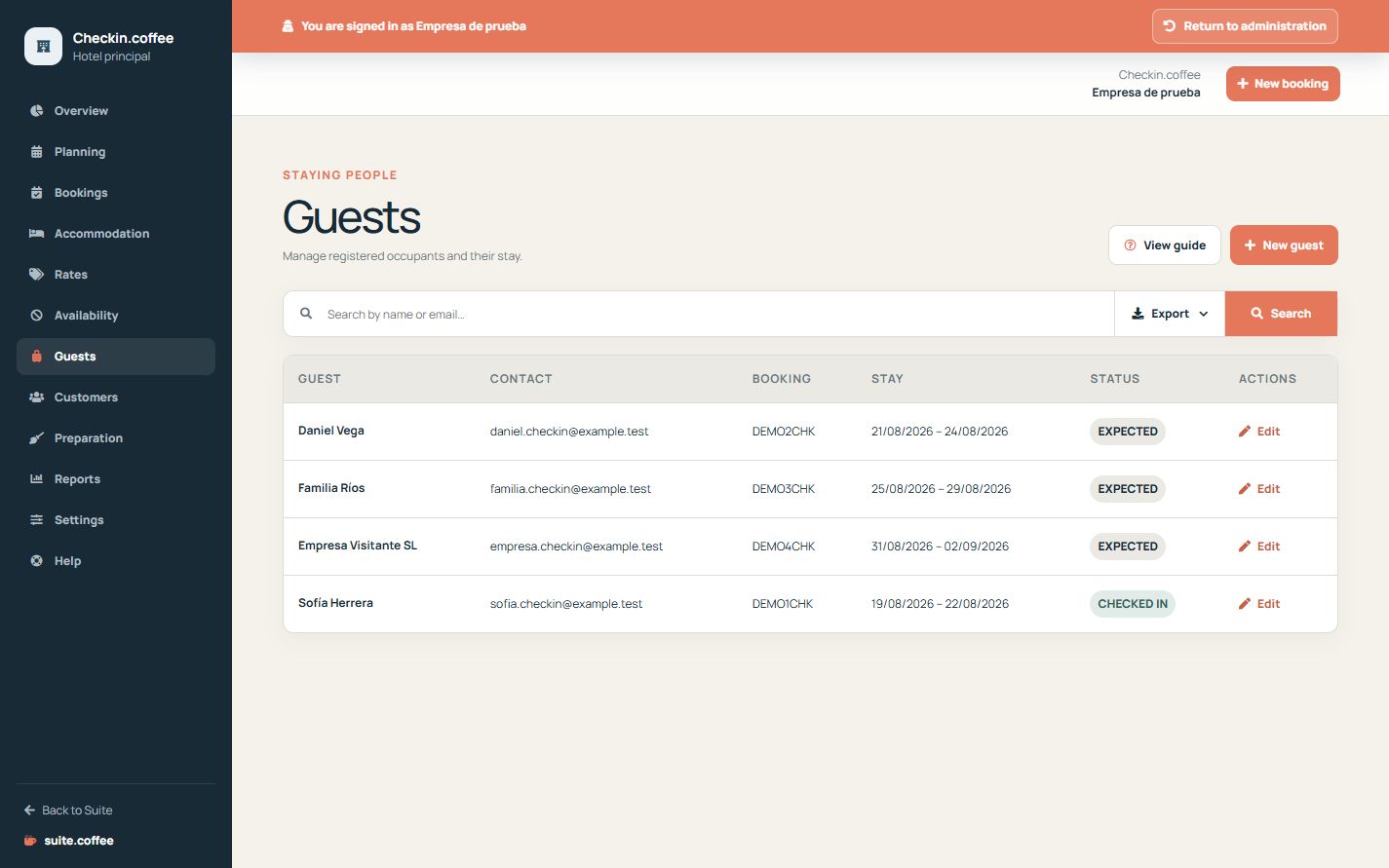
Keep both roles clear
The customer is the shared organisation identity linked to the booking. Guests are the actual occupants and may include document and arrival details needed for the stay.
Reuse shared contact data carefully
Bookings reuse customers by email or phone when possible. Other authorised services may reference that identity, while guest records remain part of Checkin operations.
Preserve stay history
Guest status follows check-in and check-out. Remove or edit a guest only after checking the booking context and required operational records.
Step by step
- Open Guests and search before adding a person.
- Create the guest under the correct booking.
- Complete name, contact, document, nationality and arrival details as needed.
- Mark the primary guest correctly.
- Update guest status with the real check-in and check-out.
Final check
- The guest is linked to the correct stay.
- Customer and occupant roles are not confused.
- Sensitive identity data is limited to operational need.
Tip: Use Customers to review shared contact history; use Guests for the actual occupants of this Checkin stay.